First steps
Civil protection path
Welcome. On this page you set up your organisation and get your bearings in the panel: half an hour, once. From then on, most of it fills itself in.
What you see when you walk in
The dashboard opens first, and it isn't a display case of numbers: it's a list of things that concern you today. At the top sits the shift cover notice — how many places are still unfilled over the next seven days, and how many volunteers haven't declared their availability yet. It's the only panel that asks you to do something; the others report.
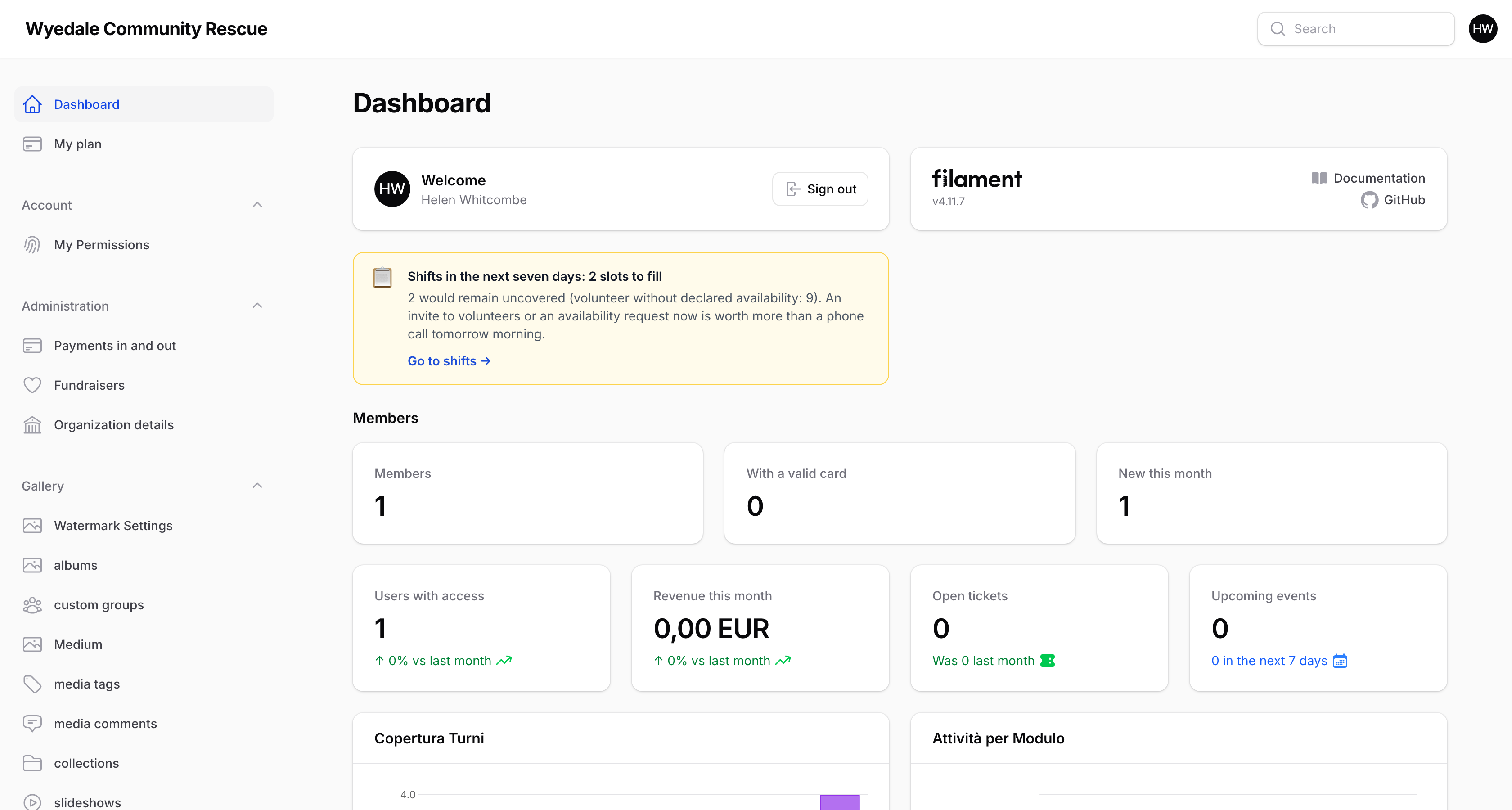
The left-hand menu follows the same order as this guide. If an entry isn't there, it isn't hidden: either it isn't in your plan, or your sector profile switched it off because a civil protection group doesn't need it. You turn it back on from My plan.
The order that works
It's quicker to build the organisation from the ground up: 1) load the volunteers, 2) group them into teams, 3) put in vehicles and equipment, 4) open the first shift. In that order each step finds what it needs already in place; the other way round you have to keep going back.
The first shift doesn't have to be realistic: open a test shift, assign it to yourself, clock in and delete it. In ten minutes you'll have seen the full loop everyone else will follow.
Who sees what
The panel you're looking at belongs to the people who run things: coordinators, office staff, the chair. Volunteers don't come in here — they have their own app, which opens on a phone and installs like a real app, where they find their shifts, the availability to declare, their card and the announcements.
They are two different doors into the same records: what you write here, the volunteer sees there a moment later.
Where to start
Go to Volunteers and load the first people. If you're already an established group, import a list rather than typing them in — the import shows you a preview before writing anything.